Voice-first AI, early version
The company announced an early platform launch on 22 October 2026.
By Fieldnote editorial · Checked 26 October 2026 · Independent of FarmBot Tech
Evaluate FarmBot Tech AI by following one task from capture to correction and export. This independent guide explains public features and practical checks.
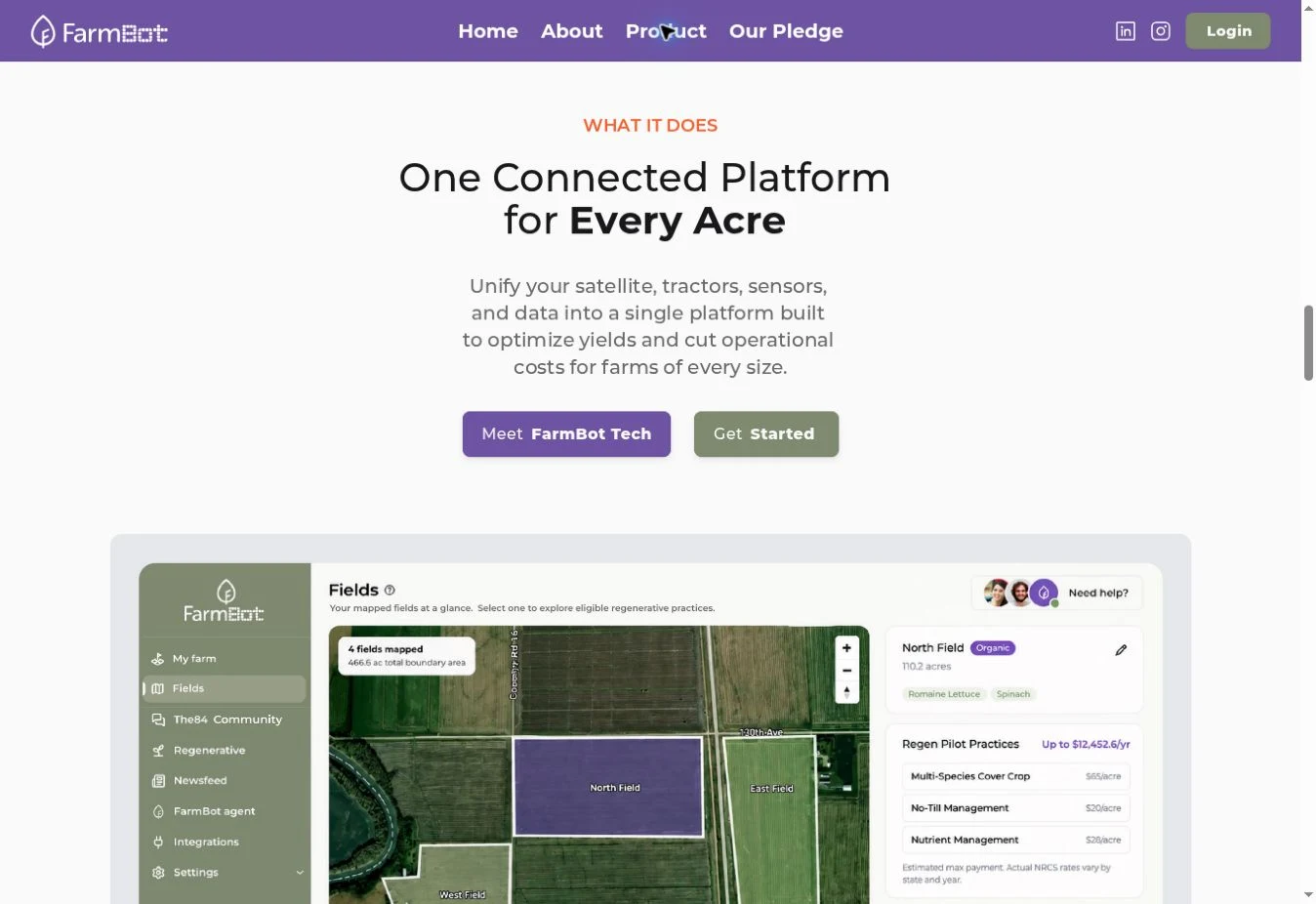
A useful demo begins with something you already do every week.
For a FarmBot Tech AI how-to session, choose a small workflow: recording an observation, finding a past record or locating a funding opportunity. Ask the provider to walk through that task from input to export.
Watch for the point where you need to correct something. Can you edit a misunderstood word? Can you review a record before saving it? Ask to see both steps.
The company announced an early platform launch on 22 October 2026.
The initial launch includes a community and personalized matching for grants and government funding programs.
First applications are planned for Q4 2026. Ask the provider about actual coverage and delivery dates.
Status follows the company’s 22 October announcement. “Announced live” is a company statement, not a hands-on test by Fieldnote.
Ask how an observation enters the system. Request a live demonstration with your own wording, and ask which languages, devices and connections it supports.
Ask where the original input goes, who can edit a record and how corrections are tracked. A record that sounds plausible still needs to match what happened.
Ask the presenter to find the same record again, then show an export. Check the file format, dates, units and whether your team can use the result in its existing process.
These are evaluation steps, not tested instructions for the FarmBot Tech interface. We have not verified in-account menus or supported voice commands.
The Pixxel integration is described as a next step in the launch announcement, with first applications planned for Q4 2026.
Ask which regions and crop types are actually covered, how often a field receives usable observations, and what happens when data is missing. Request a dated example from the provider and ask how a farmer should verify it on the ground.
Read the dated company announcement ↗| Term | What to ask |
|---|---|
| Voice-first | Can I finish my task by speaking, and how do I correct a transcription? |
| Connected farm data | Which specific systems connect today, and who maintains the connection? |
| Compliance-ready records | Which exact record format or rule does the provider mean? Who checks the final record? |
| Hyperspectral imagery | What observation will I receive, and what evidence supports its interpretation? |
Write down the task you currently do, where the information starts and who needs it next. Bring an anonymized note or a blank template. Keep customer names, exact locations and sensitive business records out of a first demonstration.
Ask the presenter to begin from a blank record. Follow the task without skipping corrections or permissions. If a step requires someone at the company to intervene, note that dependency.
Try opening the exported output in your usual spreadsheet or record system. Ask a teammate who missed the presentation to explain the result. Record the gaps they find.
Agree on a limited trial with a named reviewer. Define what counts as a complete record and what will make you stop the trial. Keep your existing records until you can verify the replacement process.
| Try this during the demonstration | Why it belongs in the evaluation | What to record |
|---|---|---|
| Correct a field name or technical term. | A misheard identifier may attach a note to the wrong place. | Whether correction is possible before saving and afterwards. |
| Clarify a relative date such as “yesterday.” | The saved date needs to match the event, not just the recording time. | The date, time zone and edit controls that appear. |
| Ask a question the system cannot answer. | You need to know how uncertainty and missing records are shown. | Whether the response distinguishes a source from a guess. |
| Review access as another team member. | The person capturing a record may have different permissions from its reviewer. | Who can see, change, export and delete the record. |
Learn the difference between a photograph, a vegetation index and a claim about crop stress.
Read the field guide ↗RECORD KEEPINGA practical record checklist covering dates, locations, units, corrections and exports.
Read the field guide ↗PRICE & ACCESSPublished comparison prices, a cost worksheet and the questions to settle with a provider.
Read the field guide ↗Start with the work you want to make easier. These are evaluation scenarios, not tested FarmBot Tech workflows or customer stories.
Ask the presenter to capture a short observation, attach the right field and date, correct a word, then retrieve it by location. Check whether the original wording remains available.
Ask how an observation reaches another person, what that person can edit and how completion is recorded. A good handover needs an owner and a clear next action.
For funding discovery, ask to open the original program page from a match. Check its geography, deadline and applicant requirements there before deciding whether to spend time applying.
| If you need… | Your next step | Evidence to keep |
|---|---|---|
| An introduction to the voice AI platform | Read the platform guide, then visit the official demo. | A dated list of the workflows demonstrated. |
| A service ready for a specific region or language | Ask the provider to confirm account-level access. | Written confirmation of support and any restrictions. |
| Satellite-derived observations | Check whether the planned integration is actually available. | Coverage, observation dates and a sample delivered output. |
| A robot to tend a garden | Visit the separate farm.bot project. | The hardware specification and setup documentation. |